
🐧 Arch Linux Post-Install Script
Set up Arch Linux in one command
An opinionated, interactive post-install configurator. Bootloader themes, display manager, and AUR packages — fully automated.
❯ bash <(curl -fsSL \
post-install-arch.vercel.app/post-install.sh
)
One-command install
Launches an interactive gum TUI. Pre-flight checks verify internet, disk space, and system compatibility before anything is touched.
Every layer of the boot sequence, themed.
From first pixel to desktop — a complete end-to-end rice of the Arch boot chain.
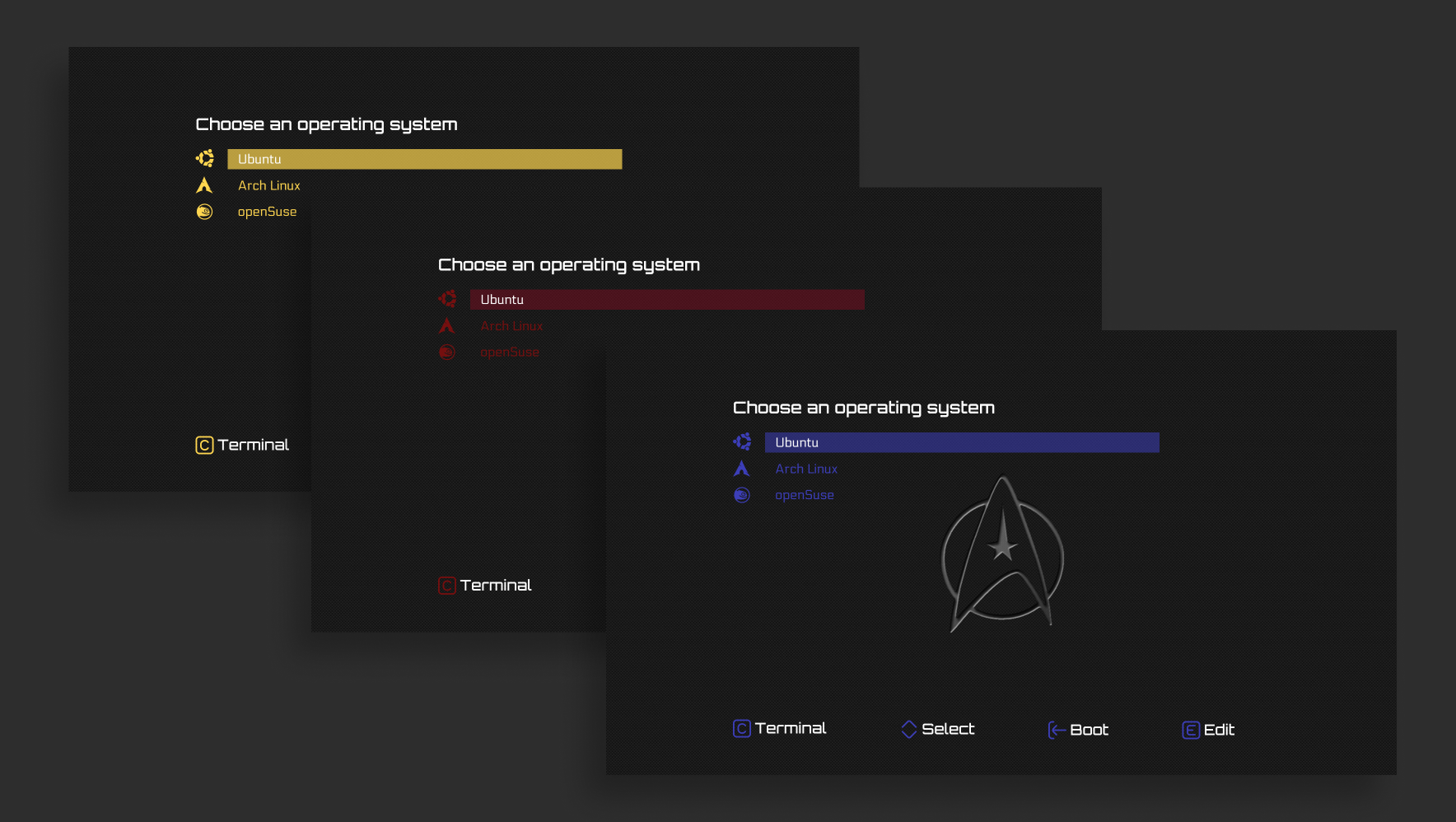
GRUB Star Trek Theme
Installs startrek-blue with a single clean boot entry. Auto-detects your root UUID, btrfs subvolume, microcode image, and installed kernel.
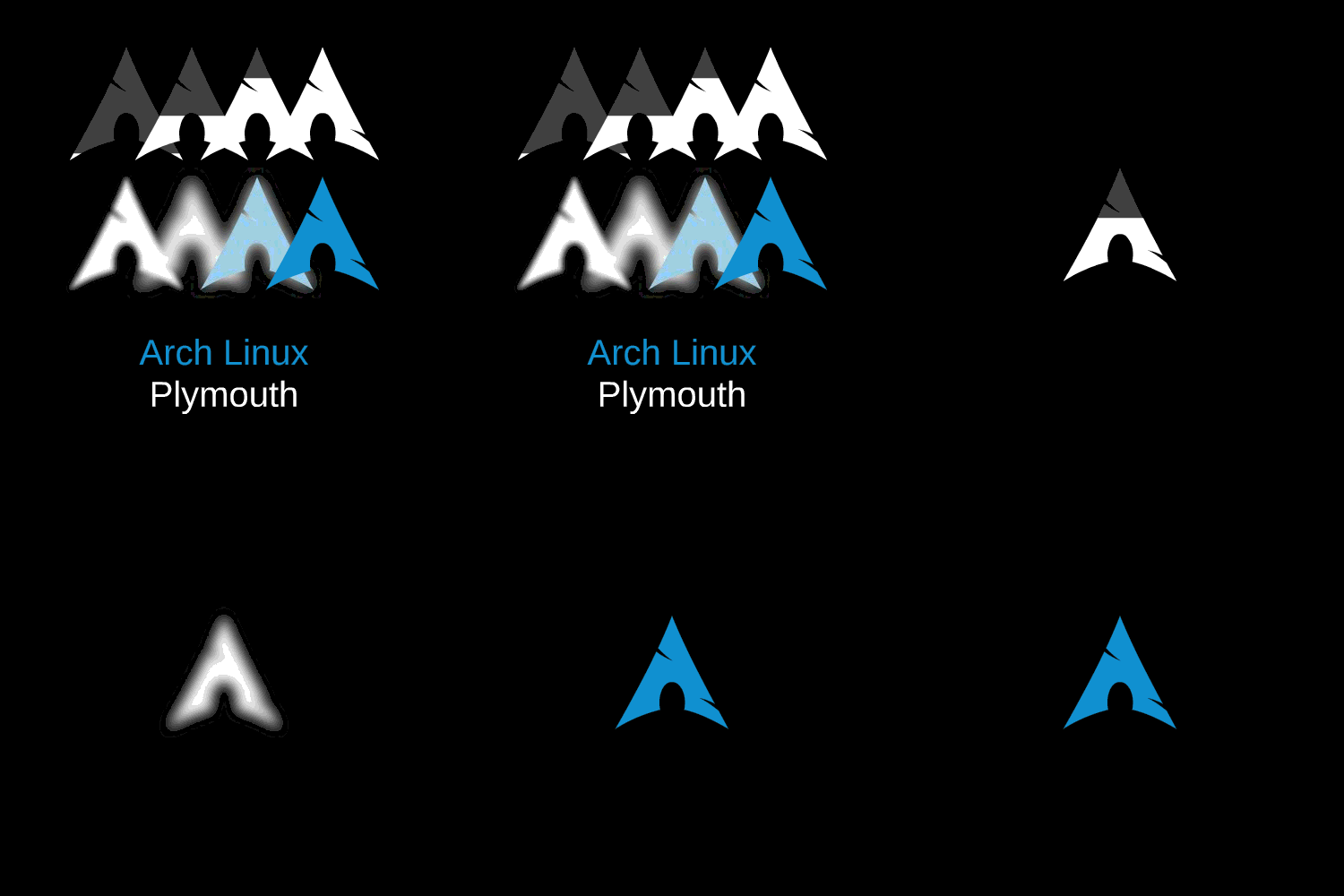
Plymouth Boot Splash
Installs the arch-glow animated splash screen and automatically injects the plymouth hook into mkinitcpio in the correct position.
SDDM Display Manager
Installs SDDM and applies the minimal SilentSDDM lockscreen theme. Falls back gracefully if the theme clone fails.
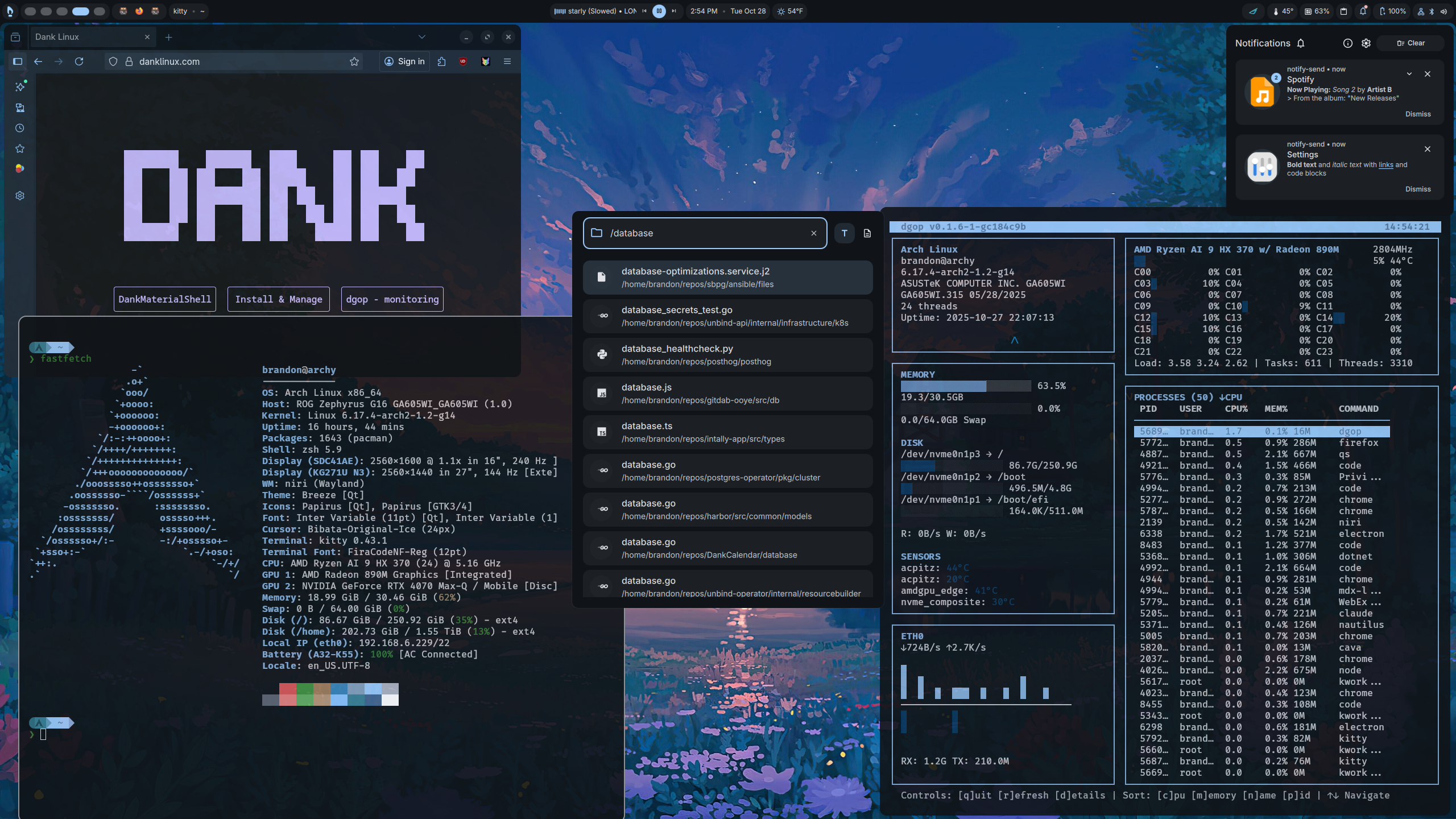
DMS — Dank Material Shell
Installs DMS Linux — a curated dotfile and configuration suite for a polished Material Shell desktop. Fetched from the official installer.
Safe & idempotent
Eight pre-flight checks run before a single package is touched. Every step is skipped if already installed. Critical configs are backed up to .bak before modification. The script refuses to run as root — and requires Niri or Hyprland, since DMS only supports those compositors.